Safe Home
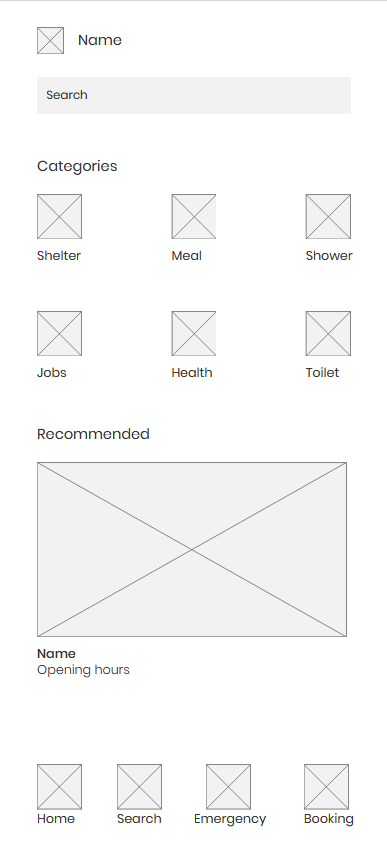
A simple, accessible directory of essential services for the homeless
Problem
People experiencing homelessness face significant challenges when trying to find essential services in their area. They need a fast, phone-friendly way to discover nearby shelters, food banks, healthcare facilities, job centers, and other critical resources. Current solutions often require internet access, complex navigation, or knowledge of specific service names, creating barriers for those who may be unfamiliar with digital interfaces or have limited connectivity. Users need to quickly understand service eligibility requirements, operating hours, and how to physically reach these locations, often while dealing with urgent needs and limited resources.
Solution
A lightweight, mobile-first web experience designed specifically for accessibility and ease of use. The solution features clear visual categories with intuitive icons, powerful search functionality with autocomplete suggestions, comprehensive map views with real-time location tracking, and step-by-step navigation directions. The entire interface is designed to be readable with high contrast, adjustable text sizes, and screen reader compatibility. The application prioritizes speed and simplicity, ensuring users can find what they need quickly without unnecessary complexity or barriers to access.
Search Results / Service List Page
Shows available services based on user search or selected category with comprehensive filtering options and detailed information cards that help users make informed decisions quickly.
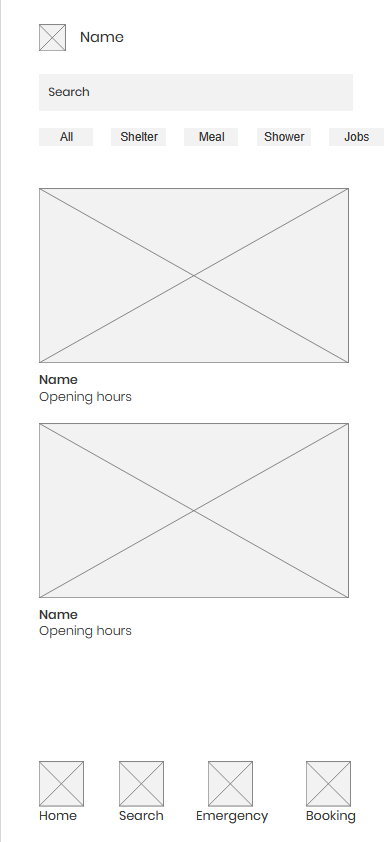
1.Service Cards: Each card displays title, location, operating hours, amenities, description, eligibility requirements, and contact information in a scannable format.
2.Map Toggle Button: Switch to map view with pins for each service, allowing users to visualize geographic distribution and proximity of available resources.
3.Distance Indicators: Clear display of travel distance and estimated time for each service, calculated based on the user's current location and preferred transportation method.
4.Availability Status: Real-time indicators showing whether services are currently open, closed, or have limited availability to prevent wasted trips.
Map Page
Visualizes all search results geographically with interactive markers and detailed information overlays that help users understand spatial relationships between services.

1.Interactive Map: Google Maps integration with custom pins for each service location, color-coded by service type for quick visual identification.
2.Travel Estimates: Real-time calculations showing travel time and distance by multiple modes including walking, cycling, public transit, and driving when applicable.
3.Pin Interactions: Tap pins to preview service details in a bottom sheet, or tap again to open full service information page with comprehensive details.
4.Route Visualization: Optional route preview showing the path from user location to selected service, with turn-by-turn directions available on tap.
Service Details Page
Provides comprehensive information about a single service including all relevant details, requirements, and actions users can take to access the service.
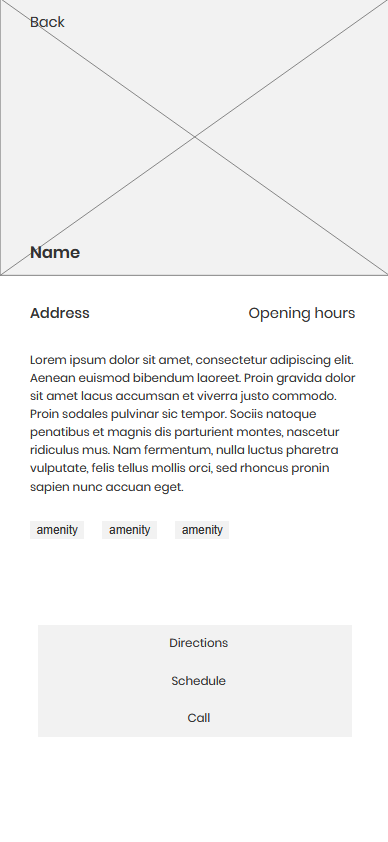
1.Complete Description: Full service description including what services are offered, who qualifies, and any special requirements or restrictions that users should know beforehand.
2.Operating Hours: Detailed schedule showing regular hours, holiday hours, and any special events or closures, with clear indicators for current status.
3.Contact Information: Multiple contact methods including phone numbers, email addresses, and physical address with one-tap calling and email functionality.
4.Directions Button: One-tap access to turn-by-turn navigation using the device's default mapping application for seamless wayfinding.
5.Eligibility Requirements: Comprehensive list of requirements, documentation needed, and any restrictions that might prevent access, helping users prepare appropriately.
Directions / Navigation Frame
Helps users reach the service location with integrated navigation that provides real-time directions and route optimization based on their current location.
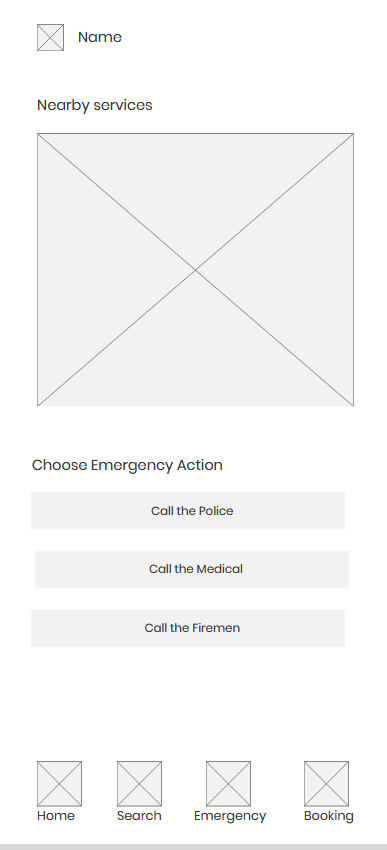
1.Google Maps Integration: Embedded Google Maps iframe with live, interactive directions that update in real-time as the user moves, ensuring accurate navigation.
2.Multiple Travel Modes: Support for walking, cycling, public transit, and driving directions, with estimated time and distance for each mode to help users choose the best option.
3.Turn-by-Turn Instructions: Step-by-step navigation guidance with clear visual indicators and voice prompts when enabled, making navigation accessible even while walking.
4.Dynamic Origin Detection: Automatically uses the user's current location as the starting point, or allows manual entry of a different origin address for planning purposes.
Additional Screens

Welcome
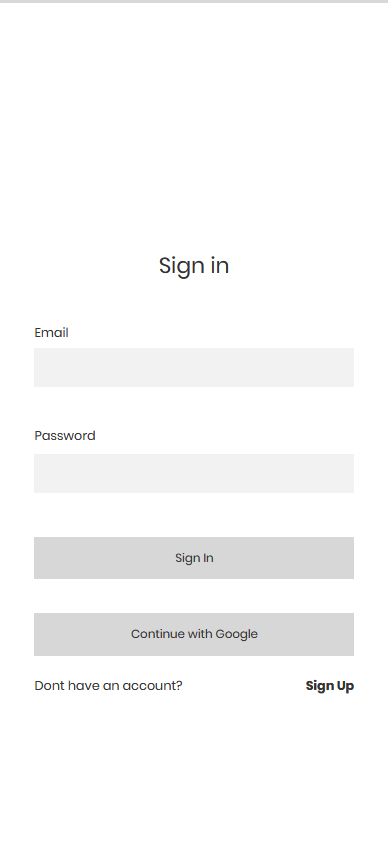
Login
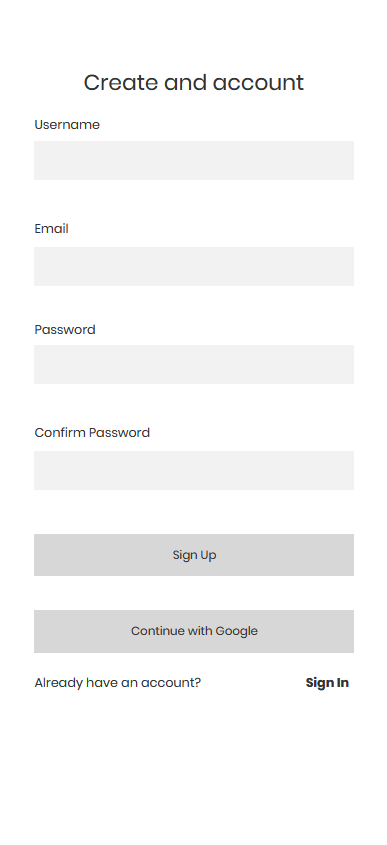
Sign Up
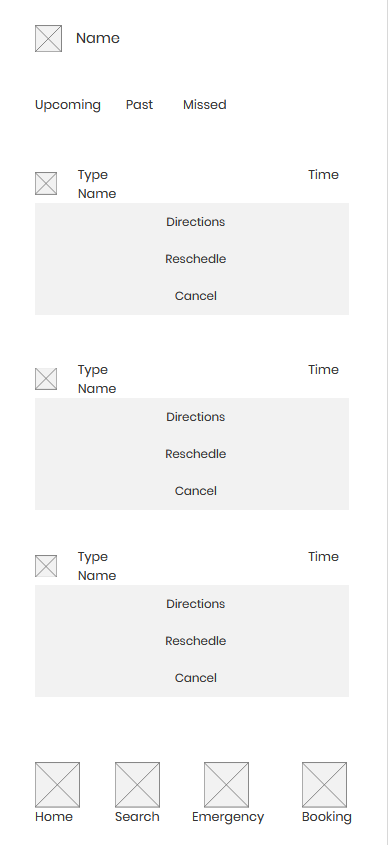
Bookings
Interested in working together?
Let's discuss your next project